
Access now up-to-date countertop materials in our free library, fully integrated into VORTEK Spaces. Present the countertop brands your clients request or your designers recommend, while saving time by eliminating the need to search for alternatives or manually upload materials in VORTEK Spaces.
All the updated porcelain, quartz, and engineered stone countertop brands listed below are now live and ready to use in the Countertops category.
Caesarstone
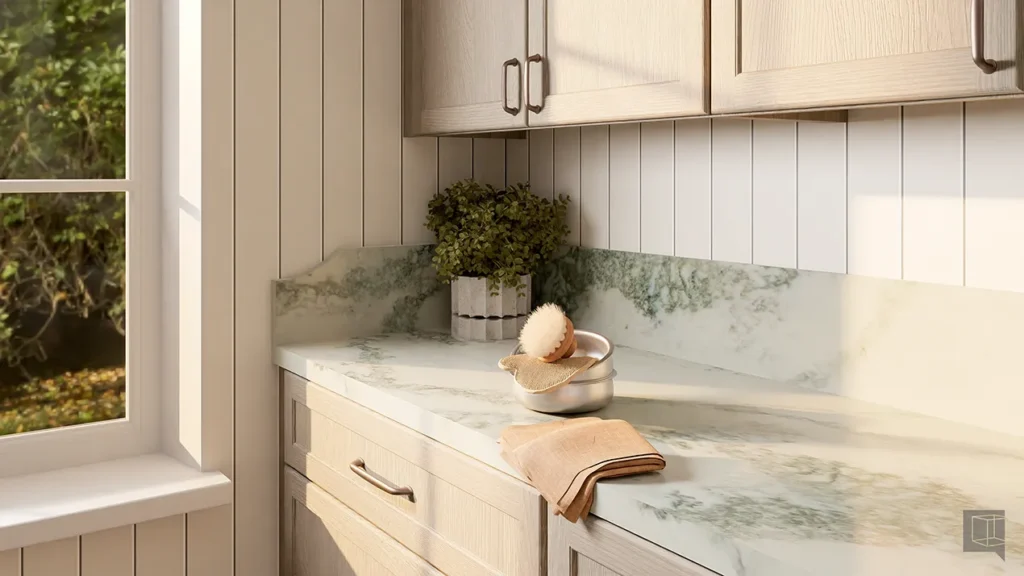
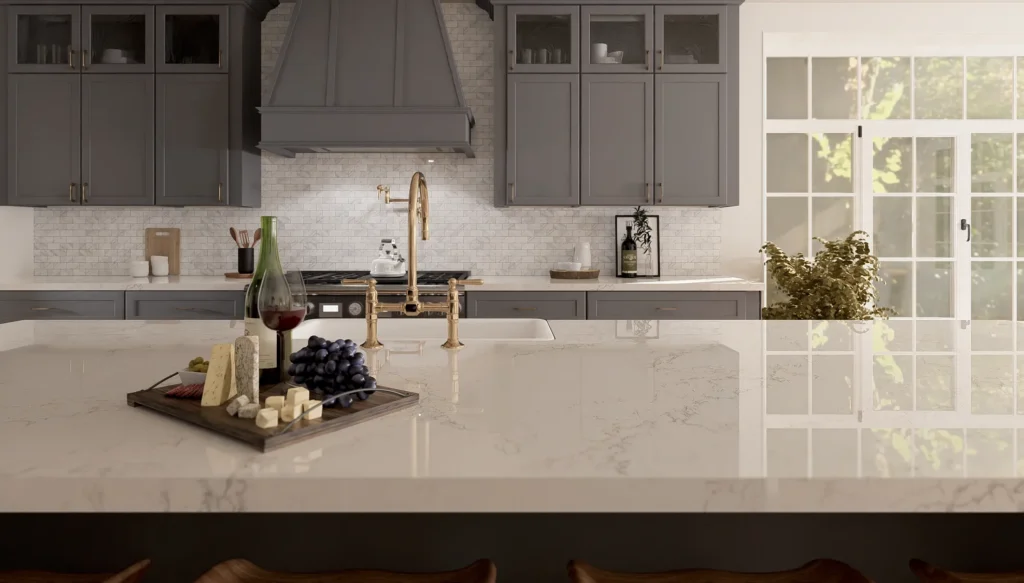
Caesarstone continues to lead the way in innovative surface design, offering high-performance materials across both its Porcelain and Fusion (ICON™) collections. This update expands VORTEK Spaces material library with new neutral tones, expressive veining, and on-trend finishes—giving you modern, versatile surfaces that are ready to use in client-facing designs.
Prime Panels
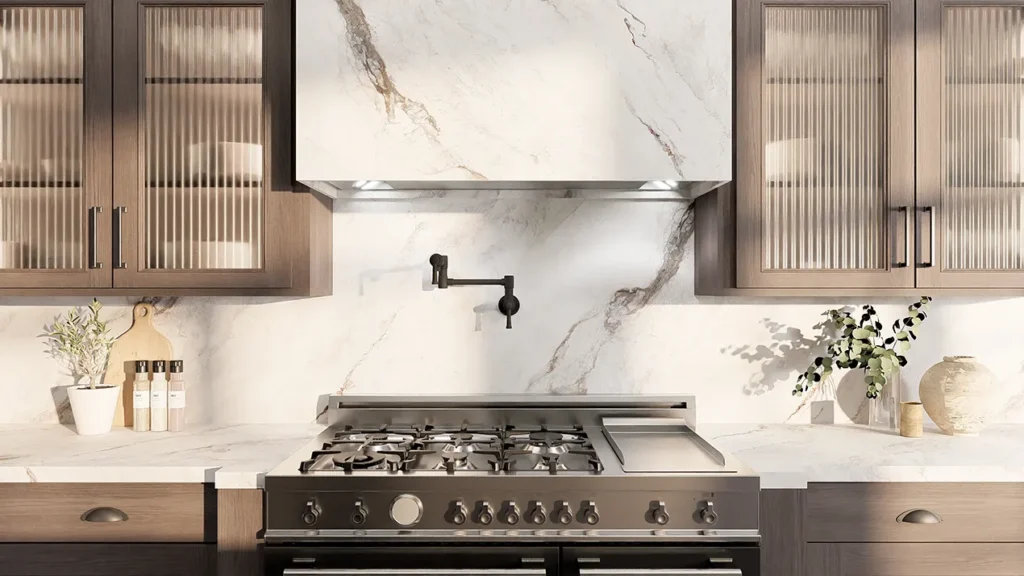
Very popular in New Zealand, Prime Panels expands its offering with the introduction of its Porcelain collection. This update enhances your material library with versatile tones and contemporary patterns, delivering refined, client-ready surfaces through seamless integration into the VORTEK Spaces material library.
Laminam
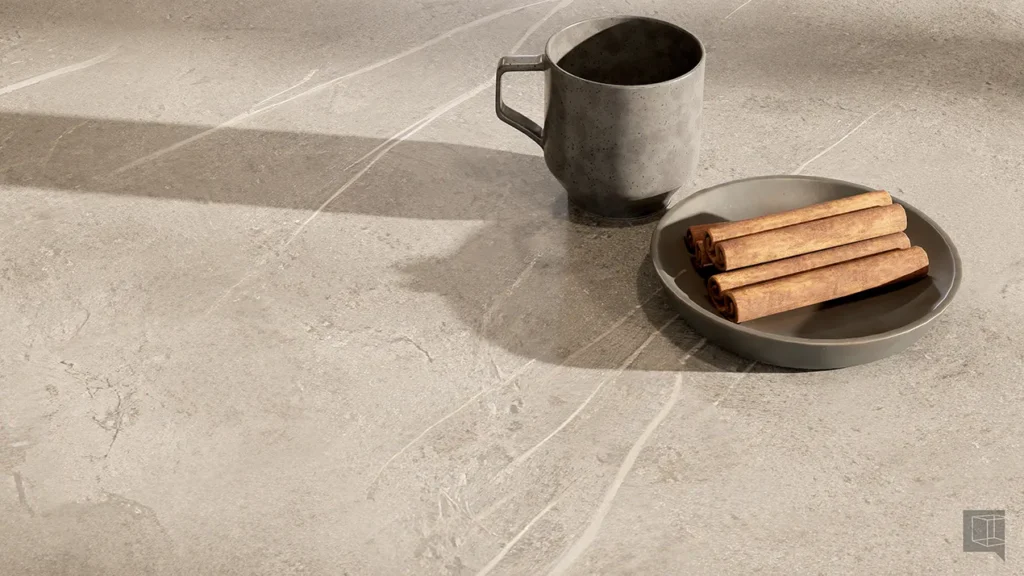
Laminam continues to redefine modern surfaces in Europe with its contemporary porcelain countertop collection. This latest update introduces elegant textures and on-trend finishes, empowering VORTEK users to deliver stunning, client-ready presentations.
Silestone
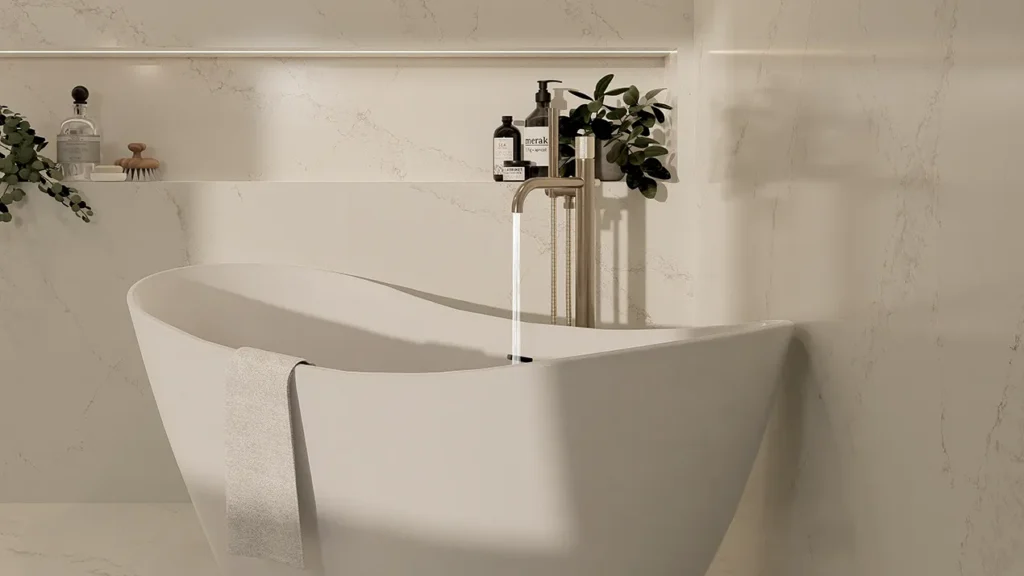
Silestone offers style and innovative finishes. This update expands your quartz selection with new neutral shades, marbled patterns, and contemporary textures. Ready to use these new textures in your next design project?
Hanstone
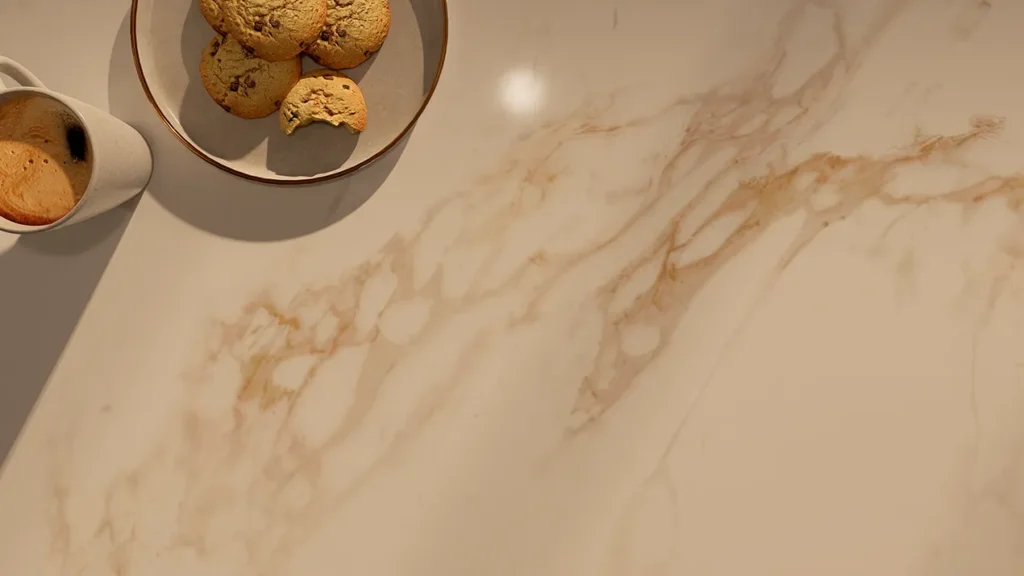
Hanstone delivers high-quality quartz surfaces with timeless elegance. The updated collection adds fresh tones, dynamic veining, and on-trend finishes. Start maximizing the VORTEK Spaces library and effortlessly bring your designs to life.
Dekton
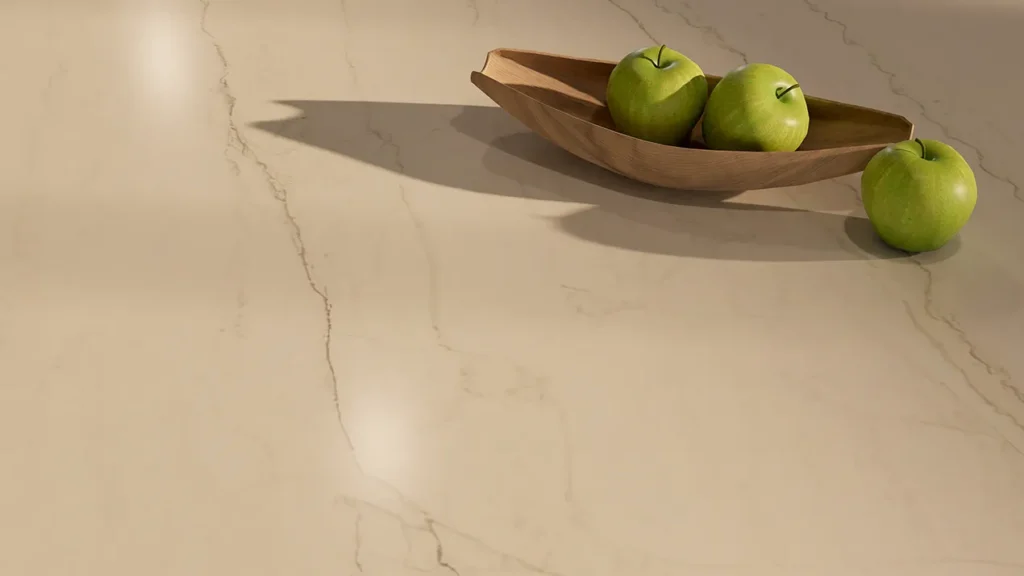
Dekton leads the way in ultra-compact surface innovation and style. This latest update introduces new textures, colors, and finishes, expanding creative possibilities for VORTEK Spaces users.
VORTEK Spaces Unveils a Major Evolution That Will Transform Kitchen and Interior Design Presentations
The time has come! After months of development, VORTEK Spaces announces its most ambitious release since its inception.
This major evolution marks a turning point. It delivers an even more fluid, high-performance, and intuitive user experience for designers and cabinet manufacturers around the world.
With unmatched image quality for real-time photorealistic visualization, VORTEK Spaces undeniably sets the new standard for experiential presentation in interior design and cabinet manufacturing.
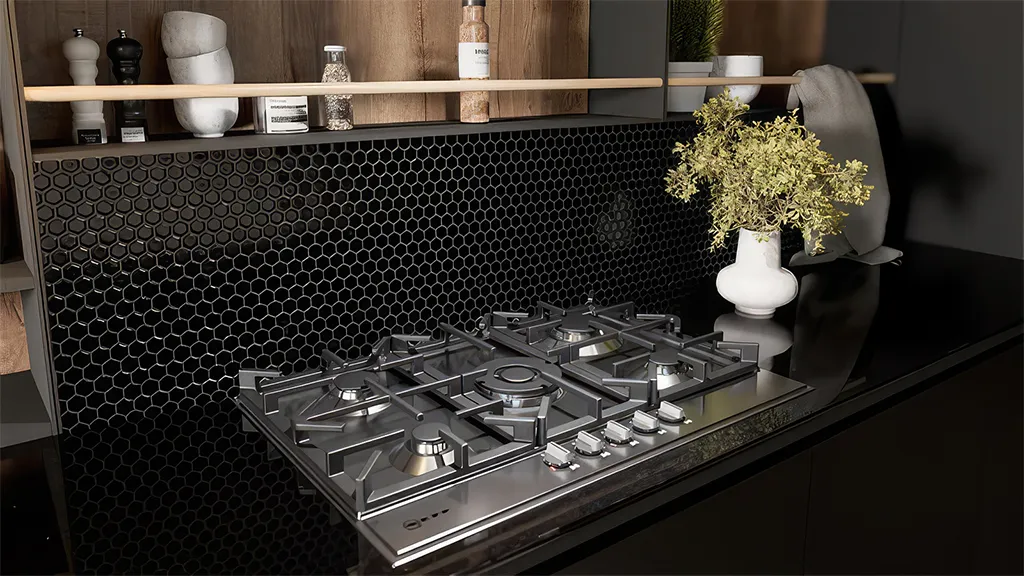
The best real-time photorealistic visualization tool for kitchen cabinet manufacturers and designers
VORTEK Spaces allows for creating presentation videos and photorealistic 3D render images with unmatched speed and simplicity. Your clients can also experience their future kitchen in virtual reality with our VR add-on! An exceptional tool to close sales and increase visibility on social media.
Highlights of this new release:
More impactful photorealistic rendering: Natural lighting, combined with our renowned, simplified, and intuitive settings, elevates every project to new levels of visual appeal.
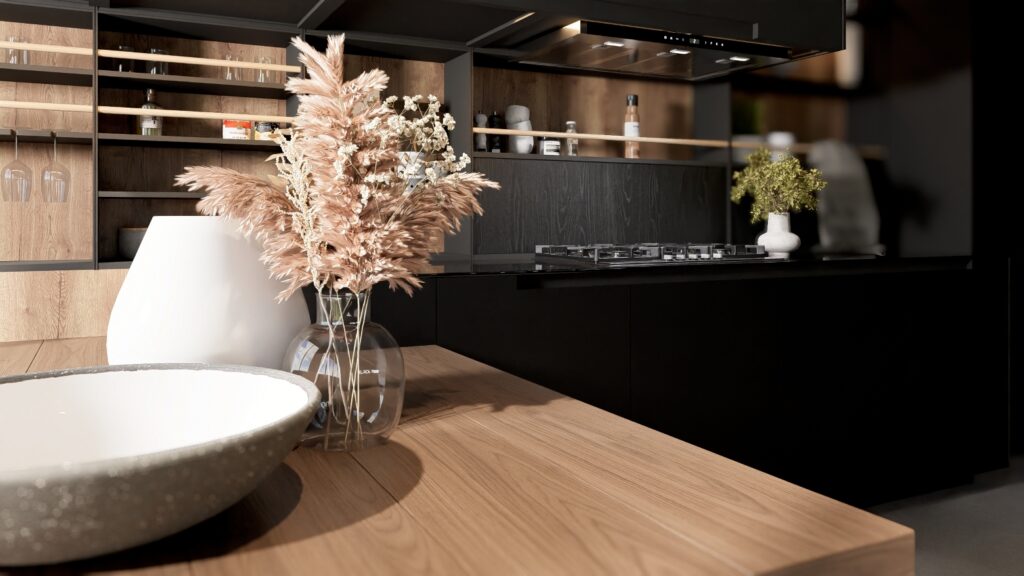
New Ultra Quality Mode: Experience next-generation ray tracing that accurately simulates real-world light behavior, delivering incredibly photorealistic rendering.
Boosted performance: Up to 2X faster startup and 3X faster project loading times.
Direct import of SketchUp and Mozaik: No plugins. No extra steps. Faster loading times.
Day and Night Lighting Presets: Switch effortlessly between day and night lighting in the same design.
Revamped Walkthrough Video Tool: Enjoy a redesigned experience inspired by modern video editors; Intuitive, powerful, and delivering professional-grade results.
Smart Material Recognition: Automatically detects materials from the original CAD file. When a material is applied in VORTEK Spaces, it instantly maps to all matching surfaces. Use the Automatic Replacement feature to update them easily throughout your design. The link is remembered for future imports to ensure automatic material mapping.
Smart On-Demand Downloads: Materials and 3D models are downloaded only when needed, reducing disk space usage and minimizing update times.
Native VR headset support: Enjoy full immersion with direct compatibility for virtual reality headsets—no extra app required.
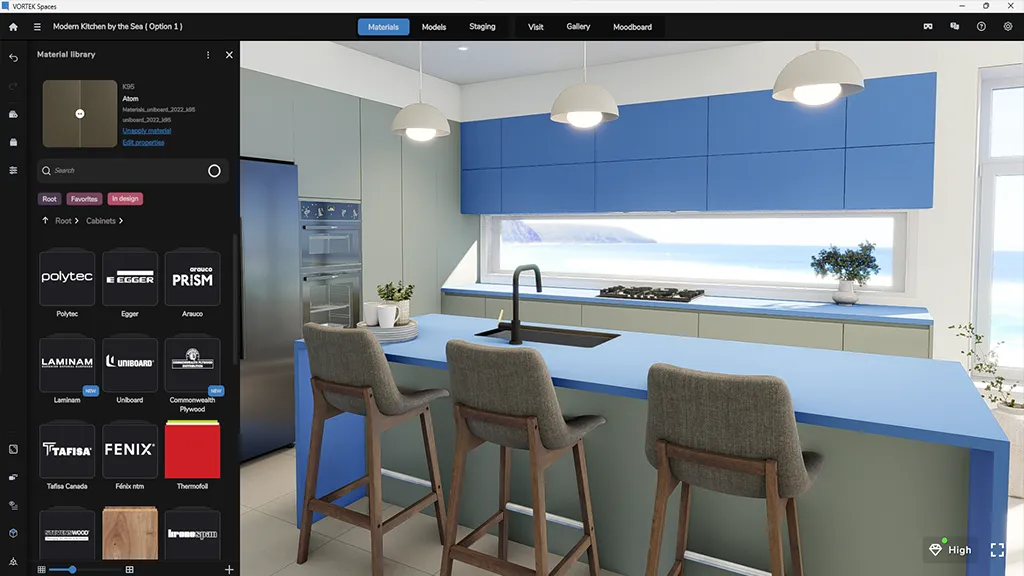
Enhanced Visual Interface & Reorganized Menus: A cleaner, modern design reimagined for faster navigation and easier access to key features. Library menus are now better integrated for improved visibility and a more streamlined project creation experience.
You Still Get to Enjoy All These Amazing Features:
- Free Material & 3D Model Libraries: Access over 10,000 materials from well-known brands (i.e., Egger, Tafisa, Uniboard, Wilsonart, Arauco, Cleaf, Salt, among others) and 50,000 3D accessories, including appliances, furniture, and plants. New free updates every week!
- Automatic Sync with CAD Source File: No need to start from scratch any modification made in your CAD file can be updated in VORTEK Spaces.
- Real-Time Visualization: See every change instantly. No waiting for long render times. Edit live with your customer and get immediate approval.
- Instant Lighting Adjustment with Live Preview: Customize ambient light, LED strips, IES profiles, sun direction, or rely on smart automated settings for perfect results every time.
- Design-Friendly User Experience: Create stunning 3D renderings like a professional artist; No technical skills required.
- Immersive 3D Experiences: Create walkthrough videos, 360° virtual tours, and VR presentations, all streamlined to bring your designs to life and deliver a stunning project reveal.
- Efficient Model Replacement: Replace any 3D model instantly without deleting or losing its position, saving valuable production time.
What You Need to Know to Get Started!
- Download the major upgrade: The upgrade installs as an entirely new application. Click here, and log in with your current credentials.
- Import your current projects: Your existing projects are compatible, but note that any design created or modified in the new version cannot be opened in the old version. All your imported textures, models and favorites from the previous version will be automatically transferred.
- Check the minimum requirements: Make sure your computer meets the latest system specifications. Click here to review them.
- Get familiar with the new workspace: Watch the updated tutorials to quickly learn the new tools and interface.
- Read the FAQ: Find answers to common questions here.
- Join a webinar: Attend a short session for a quick overview — register here.
- Need help? Use the website’s online chat anytime if you have questions during your discovery