
Your Client’s Project, in Virtual Reality
Step inside. Experience Every Detail. Fully Immersive.
Imagine the excitement as your client steps inside their future kitchen, experiencing every detail at true-to-life scale before a single panel is cut.
With immersive virtual reality, your showroom becomes more than a display area: It becomes a powerful decision-making experience. Clients don’t just see their project, they live it.
- Walk through a life-sized version of their new kitchen, bathroom, closets, or office, experiencing the space as if it were already built.
- Visualize finishes, colors, lighting, and hardware in a true-to-life environment, instantly making design choices effortless.
- Make confident decisions from the start, minimizing doubts, revisions, and last-minute changes.
- Clearly understand dimensions, flow, and spacing between cabinets, counters and living areas.
Turn designs into immersive experiences.
Turn hesitation into excitement.
Turn project reveals into signed contracts.
Why you need our VR Experience

Competitive Advantage
Offering VR immersion instantly sets you apart from competitors still relying on sketches or catalog photos. You’re not just showing a design, you’re delivering an experience.

Marketing & Client Experience
The VR wow factor creates unforgettable moments that boost referrals, word-of-mouth, and your reputation for innovation. Plus, it generates amazing visual content for your social media channels.

Confident Decisions, Faster Approvals
With VR, clients fully grasp the design from the start, eliminating doubts and “what ifs.” This clarity drives confident decisions, speeds up approvals, and helps you close projects faster, with zero post-installation surprises.
How Does That VR Experience Add-On Work With VORTEK Spaces?
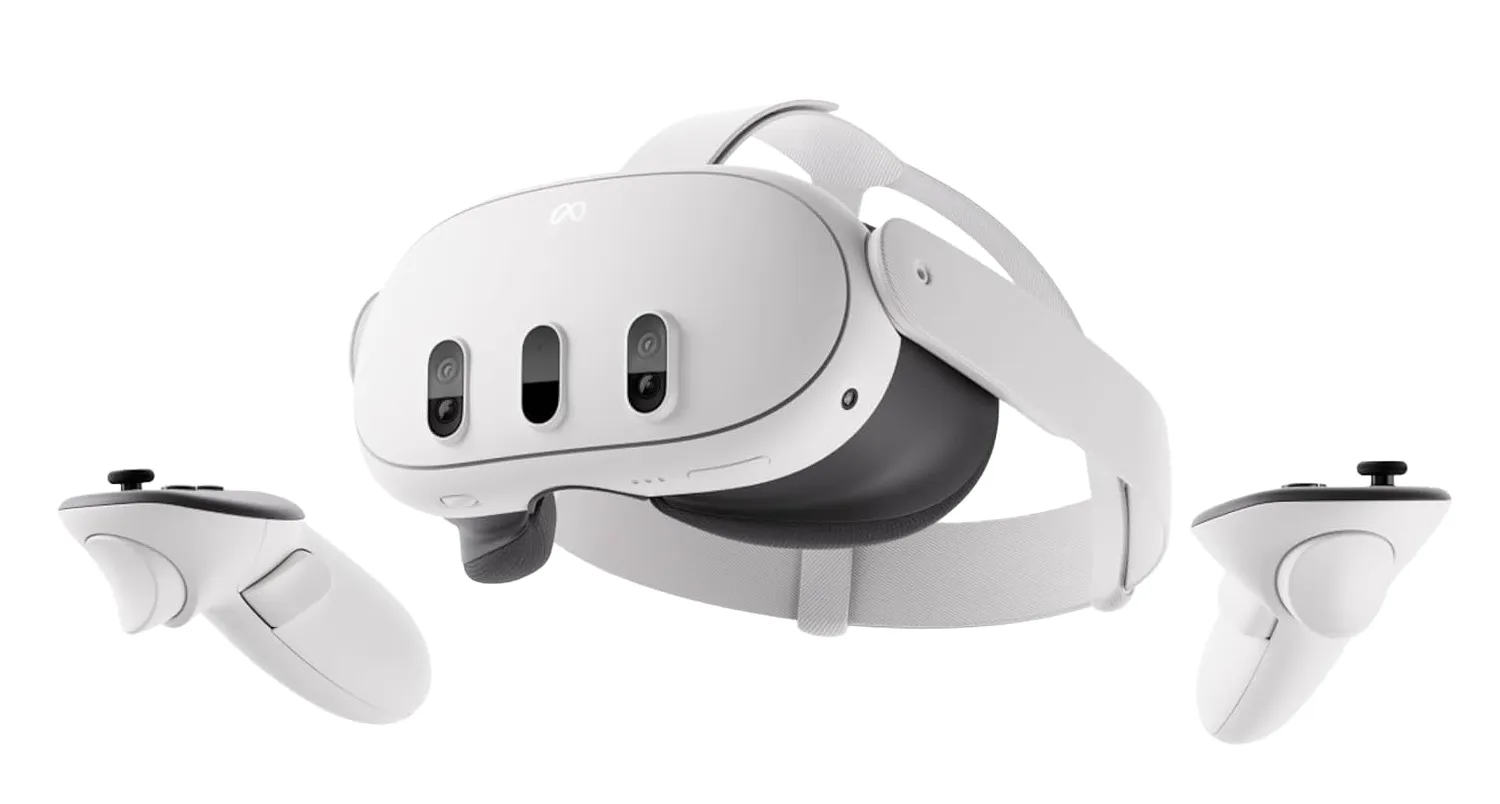
Need a subscription and a VR headset
Effortless Setup
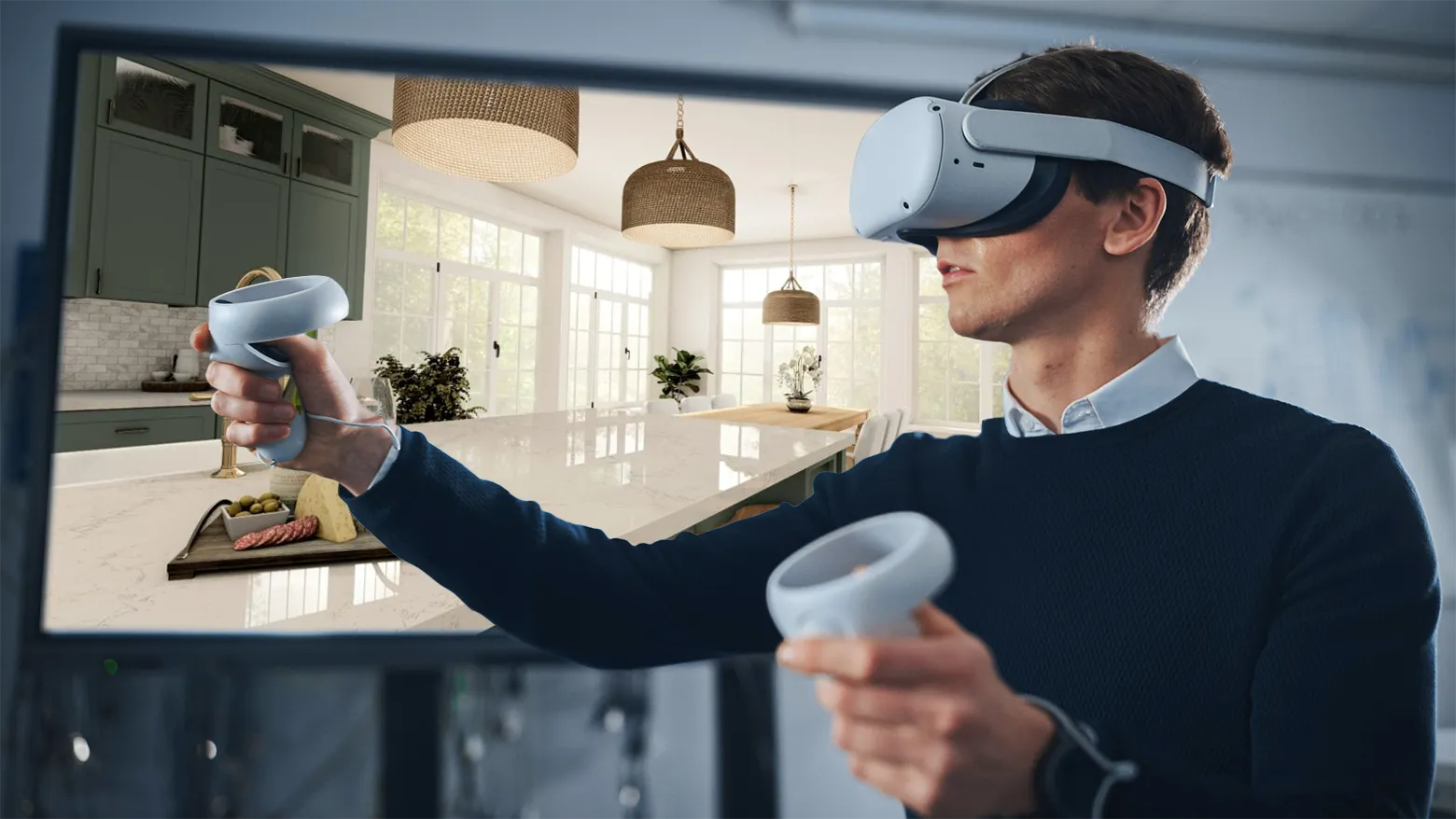
Wireless Freedom
Mirror View Mode
Exclusive for Cabinet Vision users: Open drawers and cabinet doors
Elevate Your Presentation
The best immersive experience in the kitchen and closets industries!
Discover VORTEK Spaces‘ smart features and effortless design process—see why it’s the ultimate 3D rendering and presentation software for designers and cabinet makers. Click to explore!
Works Great With:








Need More Information?


Getting Started
Follow this guide to learn how to set up the VORTEK Spaces VR Experience and your headset, and start impressing your clients

Contact Sales
Get in touch with our sales team to discuss your needs and find the right plan for you.